Guides Guide
Mixtape Streamer Mode Guide: Can You Safely Stream or Upload Gameplay?
Mixtape has no streamer mode, and its licensed soundtrack is central to the game. Here is what that means for Twitch, YouTube, captures, reviews, and spoiler-safe clips.

Mixtape is unusually tricky for streamers and video creators because the licensed music is not background decoration. The game is built around the songs: characters talk about them, scenes are paced around them, and many of the emotional beats depend on the exact track that is playing.
That is why Beethoven & Dinosaur chose not to include a streamer mode. VGC reported the studio's explanation on launch day: removing or replacing the soundtrack would compromise the work because the music is treated as the soul of Mixtape, not as a toggleable layer.
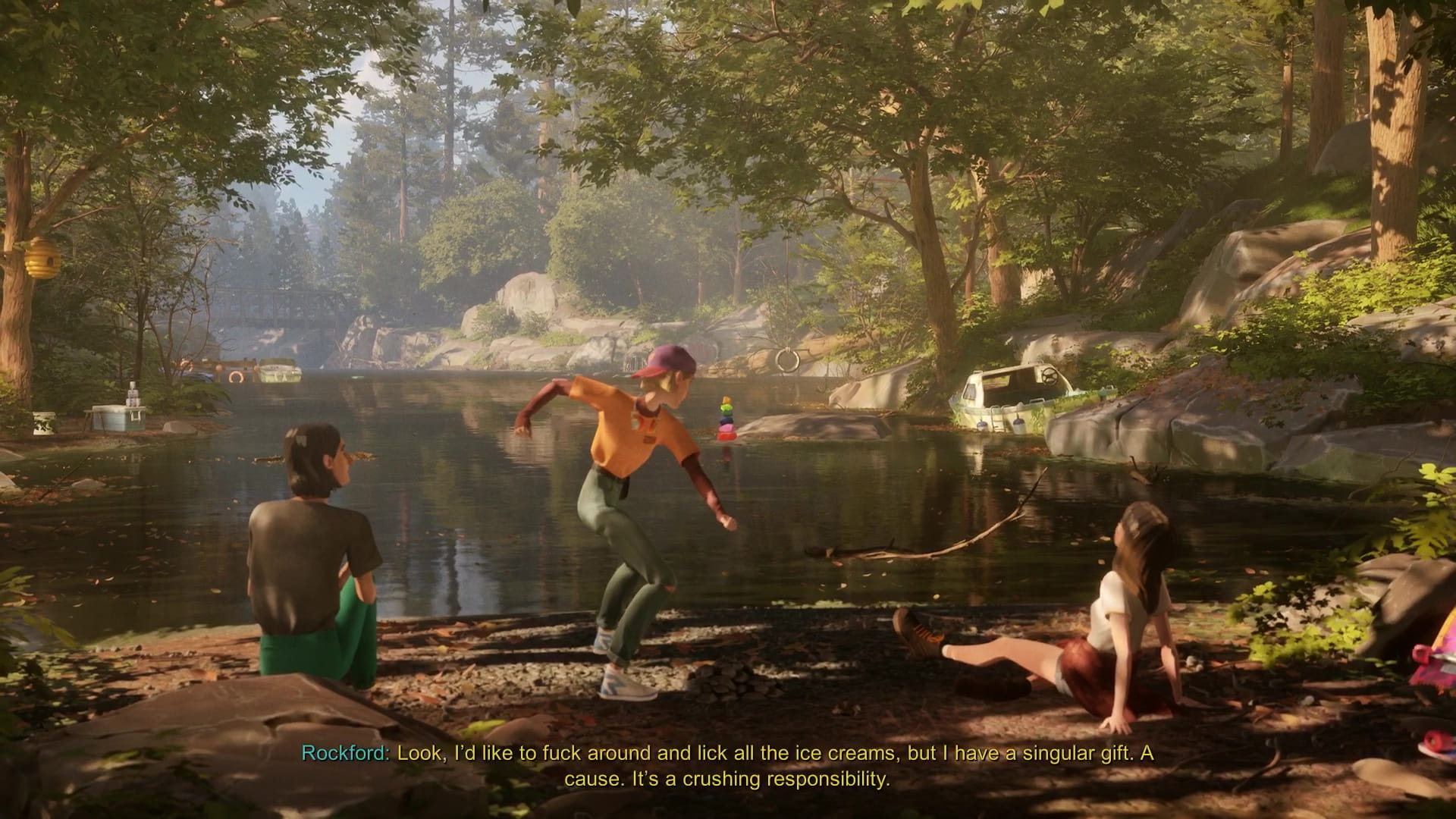
No. As of May 21, 2026, public reporting and in-game coverage point to no dedicated streamer-safe mode, no replacement soundtrack option, and no one-click setting that removes licensed songs while preserving the intended presentation.
That does not mean every upload will automatically be blocked, muted, or claimed. It means creators should assume the soundtrack may trigger Content ID, muting, monetization claims, blocked segments, or platform-specific copyright handling. The exact outcome depends on the platform, territory, song, rights holder, and how much of the track appears in the video.
For many games, turning off licensed radio music is a reasonable compromise. Mixtape is different. Rockford introduces songs in-character, memories often begin because a track unlocks a feeling, and some scenes make far less sense if the soundtrack is simply removed.
If you are making a review, critique, or guide, the cleanest approach is usually selective capture: use short clips, prioritize your own commentary, and avoid uploading long uninterrupted music-led scenes. For pure walkthroughs, expect more risk because the format naturally includes extended songs.
- Tell viewers up front that Mixtape contains licensed music and no streamer mode.
- Keep local recordings separate from the live VOD if your streaming software supports separate audio tracks.
- Consider disabling VOD publication for the session if your channel is risk-sensitive.
- Do not leave the game idling on a music-heavy scene just to play the song.
- Use chapter select later if you need to re-record a short gameplay moment without broadcasting the whole sequence again.
- Prefer edited highlights, review clips, or chapter-specific demonstrations over full unedited playthroughs.
- Keep commentary present during music-heavy scenes so the video is clearly about the game, not a soundtrack upload.
- Check YouTube's copyright checks before publishing publicly.
- Have alternate B-roll ready in case one section is blocked or monetization is claimed.
- For guides, use screenshots and text instructions where a full music-led clip is not necessary.
No. PC Gamer reported that Beethoven & Dinosaur paid for Mixtape's music licenses in perpetuity, which is good news for the game's long-term availability on stores. That is a separate issue from whether individual streamers or YouTube creators have permission to rebroadcast the soundtrack in their own videos.
In plain terms: permanent in-game licensing helps answer 'will the game disappear because the soundtrack expires?' It does not automatically answer 'can my channel safely upload every song in full?' Treat those as two different questions.
The safer formats are text guides, screenshot-based walkthroughs, short narrated clips, achievement demonstrations, and commentary-heavy reviews. The riskiest format is a full no-commentary walkthrough with complete songs left intact, especially if it is published as a normal monetized YouTube video.
If you want to cover the game while respecting what makes it work, a good middle ground is to preserve the music in small, purposeful moments and use written explanation for the rest. Mixtape's soundtrack matters, but your upload does not need to become a substitute soundtrack playlist.
- Decide whether the video needs live song audio or whether screenshots and narration are enough.
- Keep music-heavy clips short and tied to commentary or analysis.
- Run platform copyright checks before making the upload public.
- Prepare edits for any claimed or blocked segment.
- Link viewers to official store or soundtrack destinations instead of using your video as a music archive.
More Guides

Mixtape Chapter Hub: All 30 Chapters, Walkthrough & Trophy Cleanup
A complete chapter hub for Mixtape covering all 30 chapters, Chapter Select cleanup, key trophy routes, collectible reminders, and music-led story moments.

Mixtape 100% Completion Route: All Collectibles, Trophies, and Chapter Select Cleanup
A practical 100% Mixtape route for players chasing every collectible, trophy, achievement, and Front to Back interaction without replaying the full story.

Mixtape Ending Explained: What Happens to Stacey, Cass, and Slater?
A deep dive into the emotional conclusion of Mixtape. We break down the final decisions, the symbolism of the mixtape, and what the ending means for the trio.